For a long time, television reached the living room in three ways: antenna, satellite or cable. IPTV adds a fourth – the internet connection that most households already have. In this article we explain what the term means, what you need and what matters when choosing a provider.
IPTV: the abbreviation explained
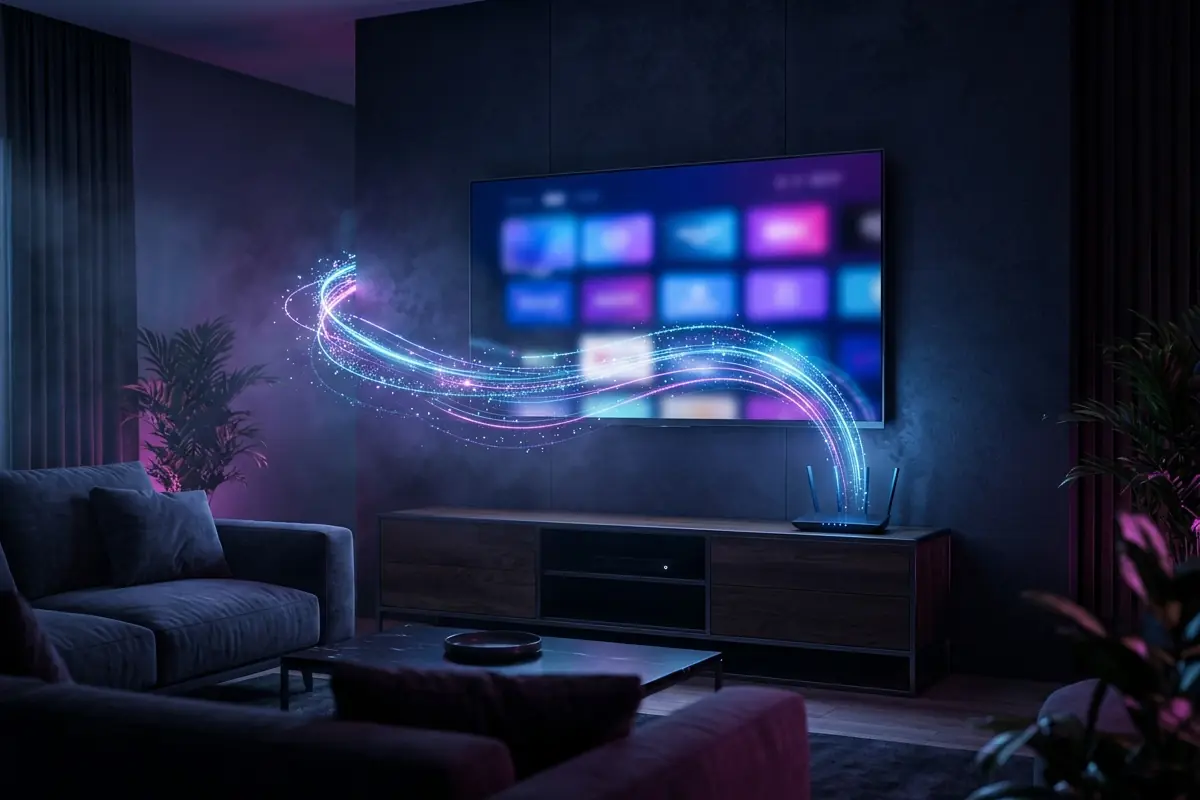
IPTV stands for Internet Protocol Television. It means that TV pictures are not sent as a radio or cable signal, but as data packets over the internet protocol – exactly the same way websites, emails or video calls reach you.
On your device, an app puts these data packets back together into a smooth picture with sound. For you, it looks just like regular television: you select a channel or programme and start watching.
How is IPTV different from satellite, cable and terrestrial TV?
- Satellite: needs a satellite dish with a clear view of the sky and a receiver.
- Cable: requires a cable connection in the building and a contract with the network operator.
- Terrestrial (DVB-T2): is received via an antenna – reception quality depends on your location.
- IPTV: uses your internet connection. No extra antennas or cables are needed.
A big advantage: IPTV is not tied to a fixed socket in the wall. You can use the same access on the TV in the living room, on a tablet in the kitchen or on your laptop.
How IPTV works in practice
- The provider makes the content available on its servers.
- You receive access details – usually as an M3U link or as an Xtream Codes login with server address, username and password.
- You enter the access details in a player app on your device.
- The app loads the channel list and plays the selected content over your internet connection.
In short: internet connection + suitable device + player app + access details = TV via IPTV.
What do I need for IPTV?
1. A stable internet connection
For an HD picture, 5 to 10 Mbit/s per stream is usually enough; for 4K it should be closer to 25 Mbit/s. More important than the peak value, however, is that the connection stays stable. A LAN cable is usually more reliable than Wi-Fi. You will find more tips in the connection guide of our Academy.
2. A suitable device
IPTV runs on many devices: Smart TVs, streaming sticks such as the Amazon Fire TV Stick, Android TV boxes, smartphones and tablets as well as PC and Mac. If your TV has no suitable app, a streaming stick or a TV box such as our StreamBox solves the problem.
3. A player app
The app is the link between your access details and the screen. It is best to download apps from the official app store of your device.
4. Access details from a provider
Without access details, the app will not show any content. You receive them from your provider after ordering.
Is IPTV legal?
The technology itself is completely legal – many large network operators also distribute television via IPTV. What matters is whether the provider holds the rights to the content it offers. So look for clear provider information, a complete legal notice and transparent terms. At HyperViewTV, we only offer content that we are authorised to distribute.
Advantages and disadvantages at a glance
| Advantages | Disadvantages |
|---|---|
| No additional connection needed | Depends on the quality of your internet connection |
| Works on many devices | The picture may buffer on weak Wi-Fi |
| Flexible use around your home | The app needs to be set up once |
Conclusion
IPTV is television over your internet line – flexible, without a dish and without a cable connection. With a stable connection, a suitable device and a player app, you are ready to go. If you need help with the setup, you will find guides in our Academy, or you can contact us via the Support page. Ready to start? Have a look at our plans and pricing.